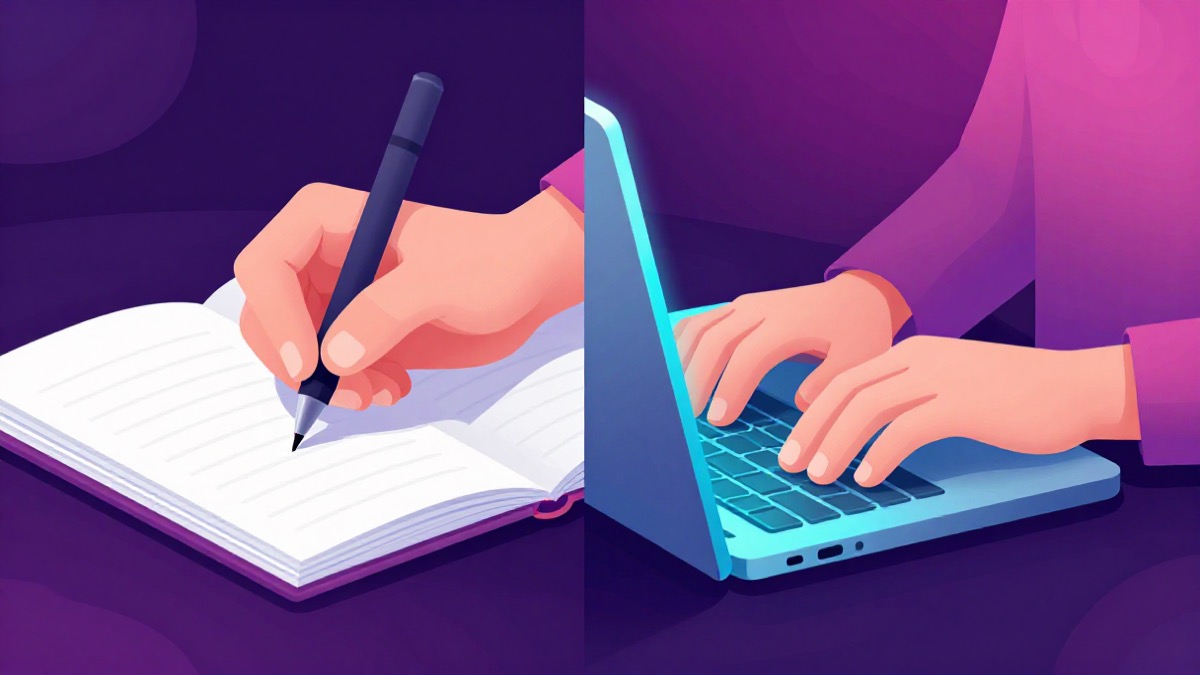
Every student eventually faces the choice: laptop open, or notebook out? The answer matters more than it seems. How you take notes shapes how deeply you process the material — and the research on this question is more nuanced than either camp’s evangelists admit. Here is what the evidence actually shows, and how to choose for your situation.
Digital vs paper notes is a genuinely contested choice, and the research offers a balanced answer that helps you decide.
What the Research Actually Shows
The most cited study in this debate — Mueller and Oppenheimer’s 2014 work on “The Pen Is Mightier Than the Keyboard” — compared students taking lecture notes by hand versus on laptops. The finding that launched a thousand think-pieces:
- Laptop note-takers wrote more words, often transcribing lectures nearly verbatim.
- Handwriters summarized because they could not keep up word-for-word.
- On factual questions, both groups performed similarly immediately after.
- On conceptual questions tested a week later, handwriters substantially outperformed typists.
The interpretation: transcription is shallow processing. Because typing is fast enough to keep up with speech, laptop users record without engaging; handwriting forces selection and summarization, which builds understanding during capture itself.
Why Transcription Fails You Later
It is worth unpacking why verbatim transcription is so corrosive, because the mechanism explains half of good studying:
- Transcription bypasses comprehension decisions. When you type every word, your brain performs no triage — nothing is marked as central or peripheral, so the notes carry no signal about what actually matters.
- The words pass through without being connected. Understanding requires linking new statements to what you already know; transcription routes attention to spelling and speed instead, and the connection step never happens.
- You re-read a foreign document later. Verbatim notes from weeks ago read like someone else’s textbook — because they are. Notes in your own compressed phrasing are self-explanatory; transcripts are just the lecture again, in worse typography.
- False confidence at capture time. Typists often report feeling they “have it all down” — an insurance-policy feeling that postpones real engagement until it is too late to ask questions.
This is also why handwriters’ thinner-looking pages so often outperform fuller ones: their brevity is evidence of decisions made, and decisions are where understanding forms.
What the Research Actually Shows (Part Two): Replication Nuance
Later studies complicated the original story in ways that matter for how you apply it:
- Some replications found no significant difference between handwritten and typed notes when both groups were instructed to summarize rather than transcribe.
- Other work found the typing penalty concentrated among students who routinely transcribe — suggesting the behavior, not the hardware, carries the effect.
- A few studies even found advantages for typed notes in fast-paced technical courses, where capturing complete worked examples matters more than immediate synthesis.
The mature conclusion: the medium sets a default tendency, not a destiny. Paper defaults toward summarizing; keyboards default toward copying. Whichever you use, override the bad default deliberately — summarize while typing, or expand while writing — and the gap closes.
The Deeper Principle: Desirable Difficulty
Why would slower note-taking produce better learning? Because of desirable difficulty — the counterintuitive principle that effortful processing produces stronger memory than effortless capture.
When your hand cannot keep up with the lecturer, you are forced to make real-time decisions: what is the main point? What can be dropped? How does this connect to what was just said? Those decisions are exactly the elaborative processing that encodes memory deeply. When your fingers can transcribe everything, those decisions are never made — the recording happens instead of the thinking.
This reframes the whole debate: the question is not “paper or laptop” but “does my tool force me to think?” Any setup that does will serve learning well.
Practical Guidance: Choosing Your Mode
Use this decision logic based on your course type and habits:
- Concept-heavy lectures (philosophy, theory, seminars): handwrite or type-with-forced-paraphrase. These courses reward deep processing over captured detail.
- Detail-dense technical lectures (anatomy, law, statistics): type freely to capture volume, then — critically — reprocess within 24 hours into summaries or flashcards. Capture now, process soon.
- Problem-solving sessions (math, coding): whatever lets you write formulas and code comfortably; here the working-through is the learning, not the notes.
- Reading and self-study: handwrite marginal summaries or type structured notes — but always close the source and test yourself afterward, regardless of medium.
- Group study or shared projects: digital wins for sharing and searchability.
Two further practical adjustments worth making:
Slow yourself down on purpose when typing. If you must type in a transcription-prone course, adopt constraints that force processing: no full sentences (keywords only), a hard rule against copying slide text verbatim, and a running question column like Cornell’s cue margin. Each constraint reintroduces the decisions that typing removed.
Keep handwriting for anything you struggle with. There is a reason students instinctively reach for paper on their hardest topics: the slower channel gives difficult ideas time to form. Reserve your fastest mode for material that flows, and your slowest mode for what resists — difficulty should buy depth.
Hybrid Strategies That Work
Many strong students combine modes deliberately:
- Write in class, digitize after. Handwrite for processing during the lecture, then within a day convert the key outcomes — summaries, definitions, hard facts — into searchable digital notes or flashcards. You get processing at capture plus searchability later.
- Type structure, hand-sketch diagrams. Diagrams, timelines, and relationships are faster and more memorable drawn by hand; text hierarchy is faster typed.
- Tablet + stylus as middle ground. Digital handwriting offers some of both worlds — processing-friendly pace with searchability — though it lacks the tactile memory advantages some studies attribute to pen-on-paper.
Whatever the mix, the non-negotiable is the same: notes are only half the job. The other half is converting them into retrieval practice — testing yourself from them, distilling them, feeding the key items into a spaced deck so they survive past the week.
Making Notes Feed Your Study System
Whichever medium you choose, notes should flow into review, not into a drawer. The highest-yield pipeline:
- Capture with processing (handwritten summaries, or typed paraphrase).
- Within 24 hours: reread once, mark the hardest items, write one-line summaries per section.
- Convert the testable material into flashcards — definitions, mechanisms, worked problems — and put them on a spaced schedule.
- Review from the deck, not the raw notes, letting spacing decide when each item returns.
The pipeline works because it assigns each stage its proper job: capture makes the decisions, the 24-hour pass consolidates them while memory is fresh, and the deck carries everything forward automatically. Skipping any stage breaks the chain — unprocessed capture decays, and a deck built from someone else’s phrasing never quite sticks.
A tool like Flaaash closes this loop automatically: turn your notes (or any source PDF) into a deck, and spaced repetition schedules every card so nothing you noted quietly decays. The medium of capture then becomes a minor decision — because the system, not the notebook, carries the memory.
A Worked Comparison: Same Lecture, Two Students
To see the whole argument in miniature, consider two students attending the same ninety-minute physiology lecture on cardiac output.
Student A types. She keeps pace with the slides, capturing nearly everything — 2,100 words of near-verbatim text, including definitions copied word-for-word and every example as spoken. It feels thorough. She closes the laptop at the end with the relief of a completed capture, never opening the file again until revision week, where it reads like an unedited transcript she has to re-learn from scratch.
Student B writes. Her hand forces choices: she records cardiac output’s definition in her own eight words, sketches the stroke-volume × heart-rate relationship as a tiny graph instead of sentences, and marks a question mark next to preload versus afterload because she is unsure of the distinction. Her page holds maybe 400 words and two diagrams. That evening, she spends fifteen minutes turning her page into six flashcards — including one that answers her own question mark — and starts answering them the next morning on a spaced schedule.
Six weeks later, at exam time, Student B owns the topic: her cards have resurfaced it five times, her question mark was resolved early, and her self-made graph can be redrawn from memory (which is itself retrieval practice). Student A must re-read, re-comprehend, and build a study system from zero using material whose phrasing was never hers. Same lecture; opposite outcomes. The difference was never paper versus pixels — it was processing at capture, plus a pipeline that turned decisions into scheduled review.
Leave a Reply